Drawing Football Plays Is Easy
Start drawing your football plays with ease using our play designer
Player Positioning
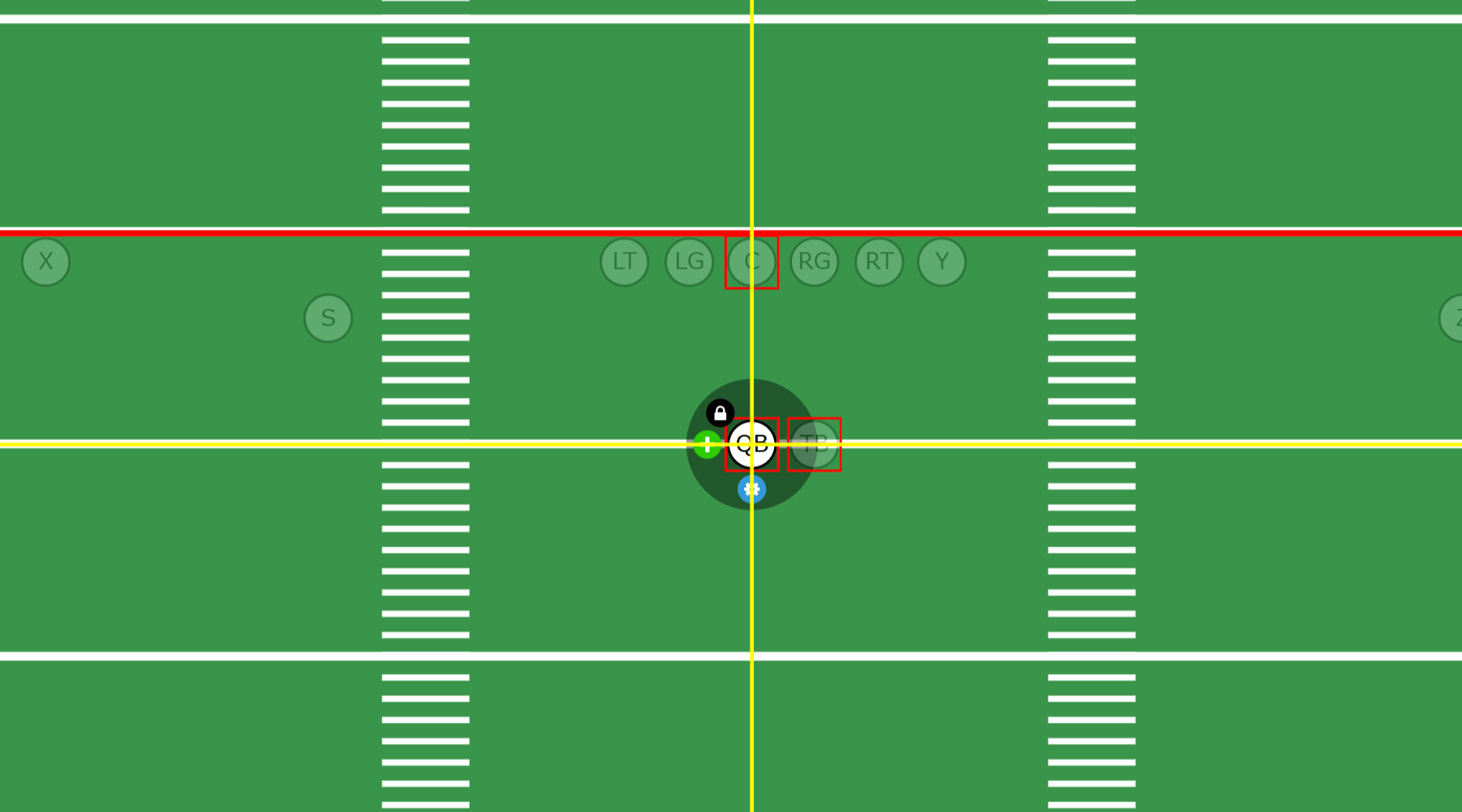
Draw your players exactly where you need them.
- Postioning a player is simple, select the player and drag him around, even works with touch devices.
- Need precision alignment? We have built in alignment tools to help you get exact positioning.
- Not only can you drag your players with your mouse, you can move players with your keyboard arrow keys as well.
- You can also shift your entire formation left and right as well as up and down by moving the line of scrimmage.
- For more advanced uses you can even FLIP your play, that I Right play just became an I Left play with ONE click.
Drawing Player Routes
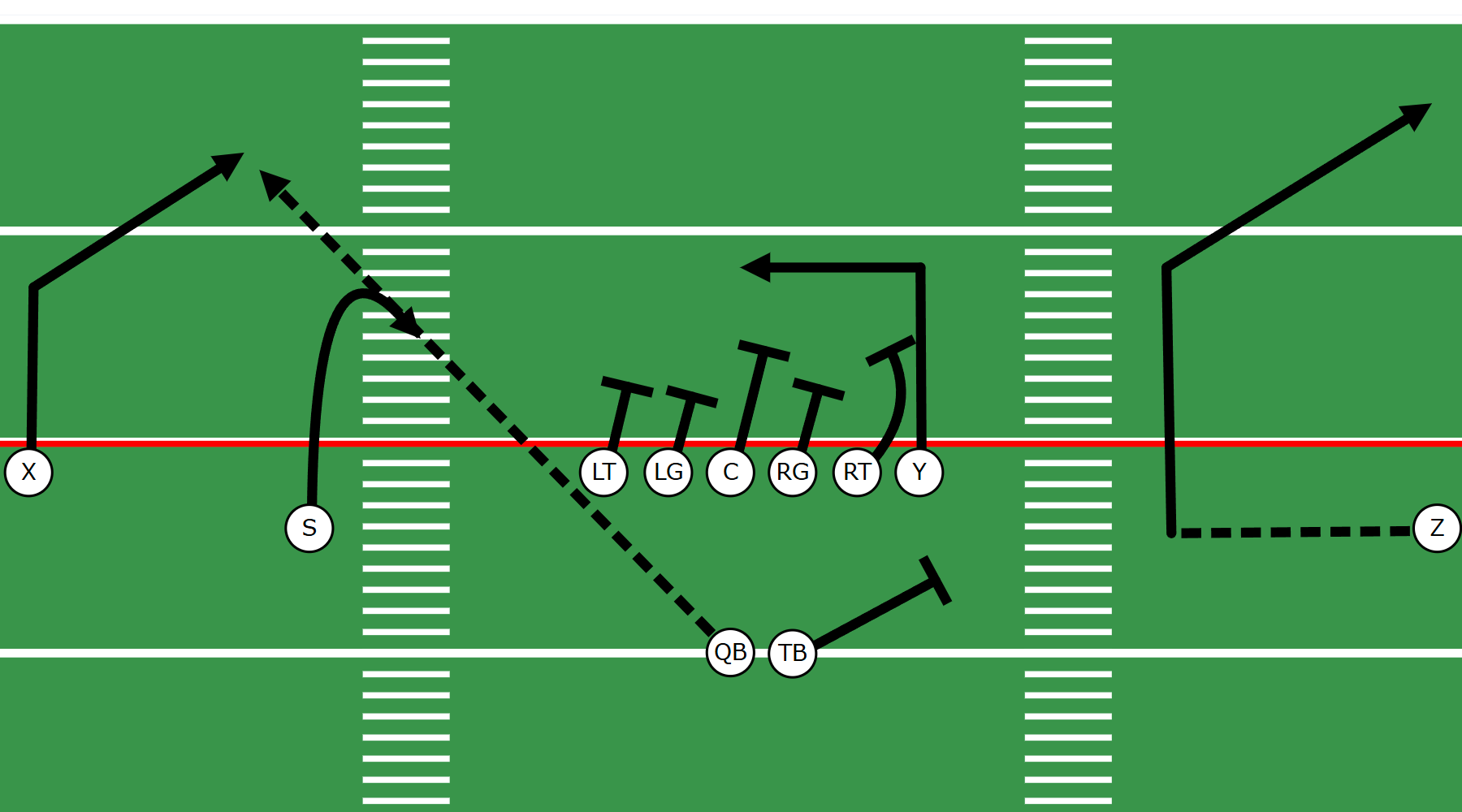
Adding Routes to your players is simple.
- Drawing player routes should be simple, not require a graphics designer, that is why we designed our tools with simplicity as the priority.
- Add straight line or curved line routes, even mix and match as needed.
- Draw curved or straight line pre-snap motion routes that Tutorial mode will properly animate before the snap.
- Offensive line players have 3 route options, a curved line block, straight line block and zone blocking routes.
- Add route segments to existing routes to secondary or even tertiary routes, great for option routes.
Using Preset Routes
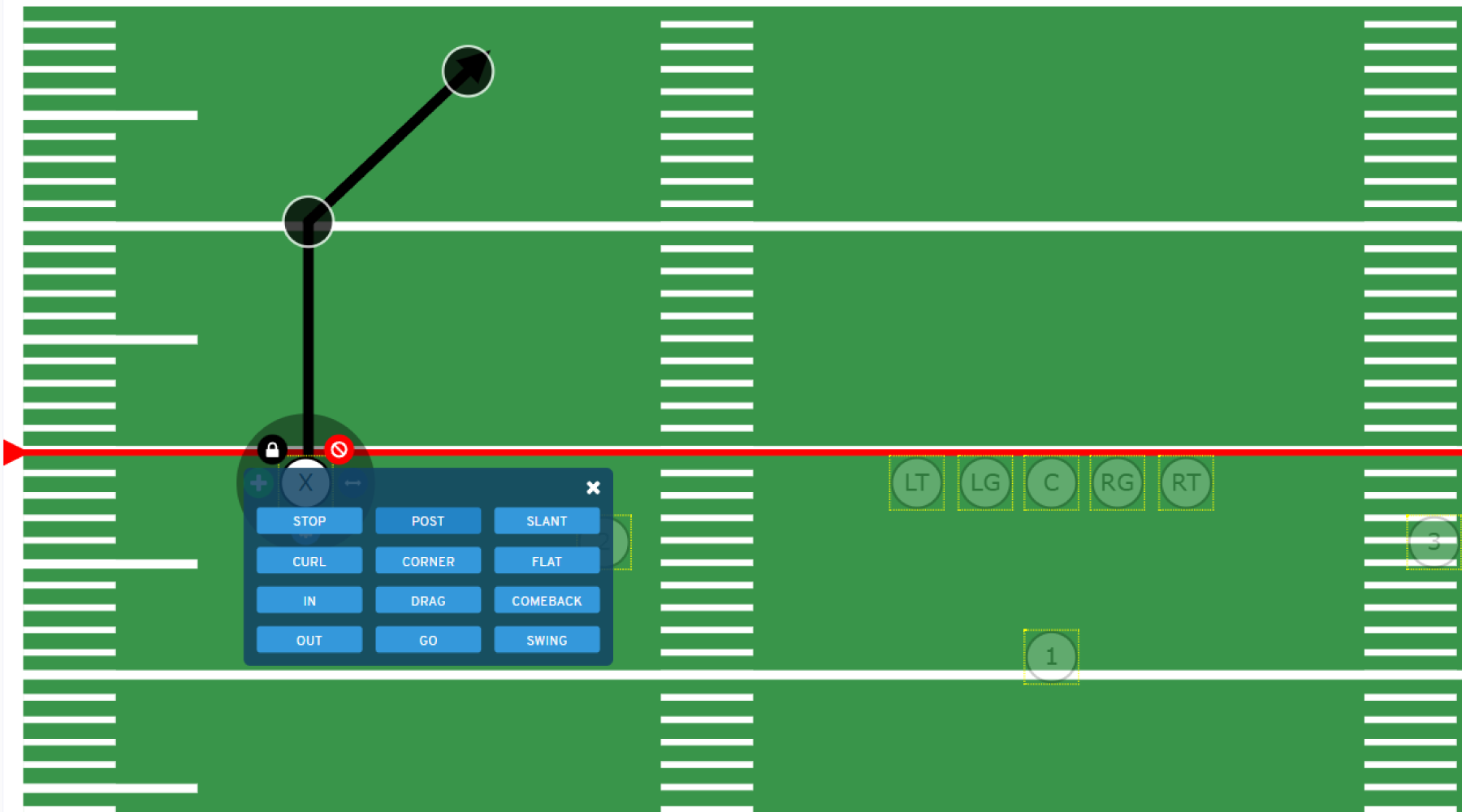
Use preset routes to make drawing playbooks even easier.
- With a simple click of the mouse you can add any of our common preset routes to your players.
- Choose from common routes such as a POST route or CORNER route, one simple click and your done.
- There are currently 12 preset route options, covering the majority of common routes used.
- Need the route to be a little more this or a little more that, you can edit the preset route just like any other route, giving you complete control.
Route Styling Options
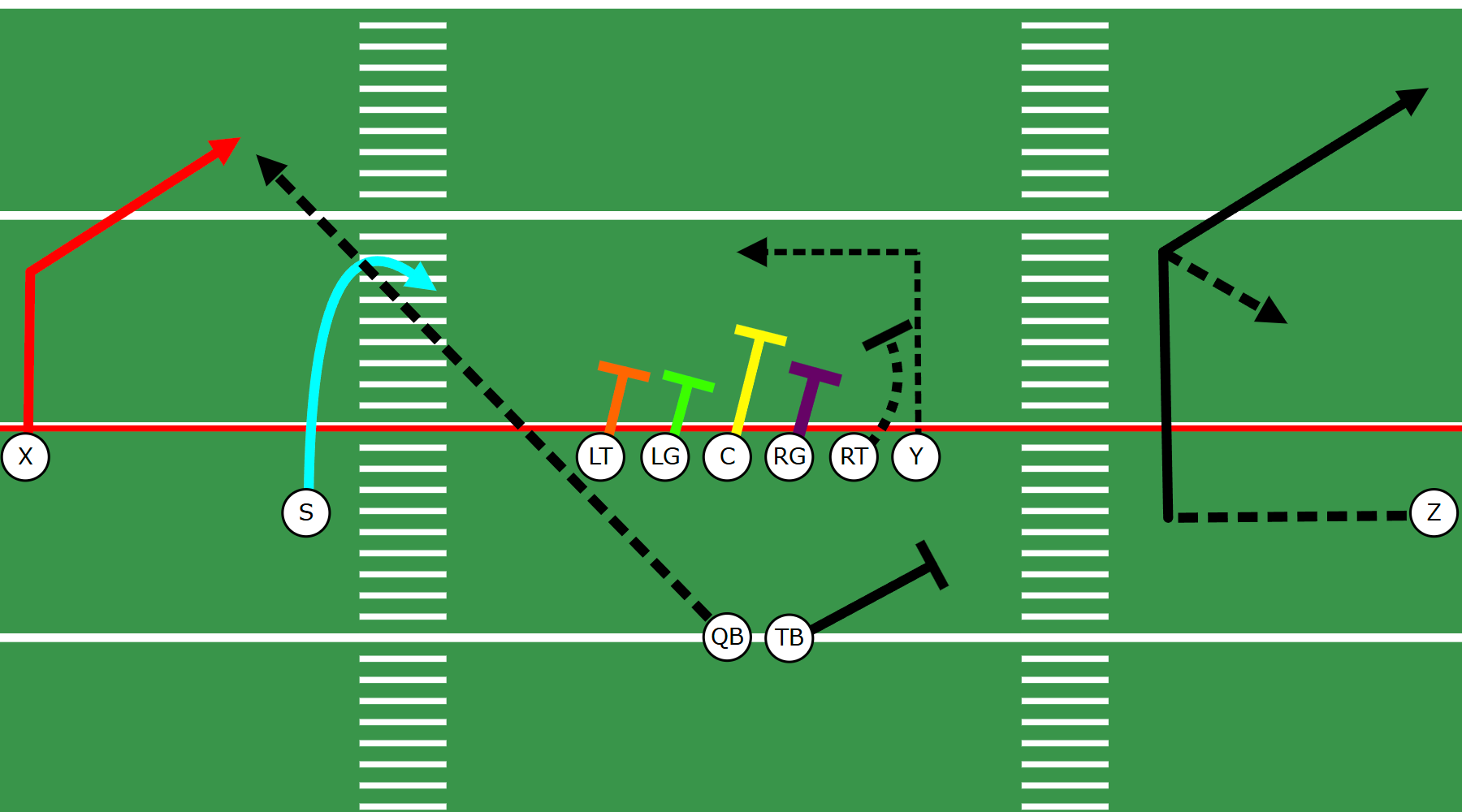
Customize Your Route Drawings.
- Not only are routes easy to draw, they are just as easy to customize.
- You can change the color of any route, you can even have different parts of the route a different color (great for secondary or tertiary routes)
- Not all routes should end with an arrow, thats why you can change the route endpoint to be another shape, such as a circle, a square or a tee (great for blocking assignments)
- The style of a route can also be changed, it can be solid, dashed or dotted.
- You can even make your route lines thicker or thinner, its all up to you and all very simple to use.
Customize Player Styling
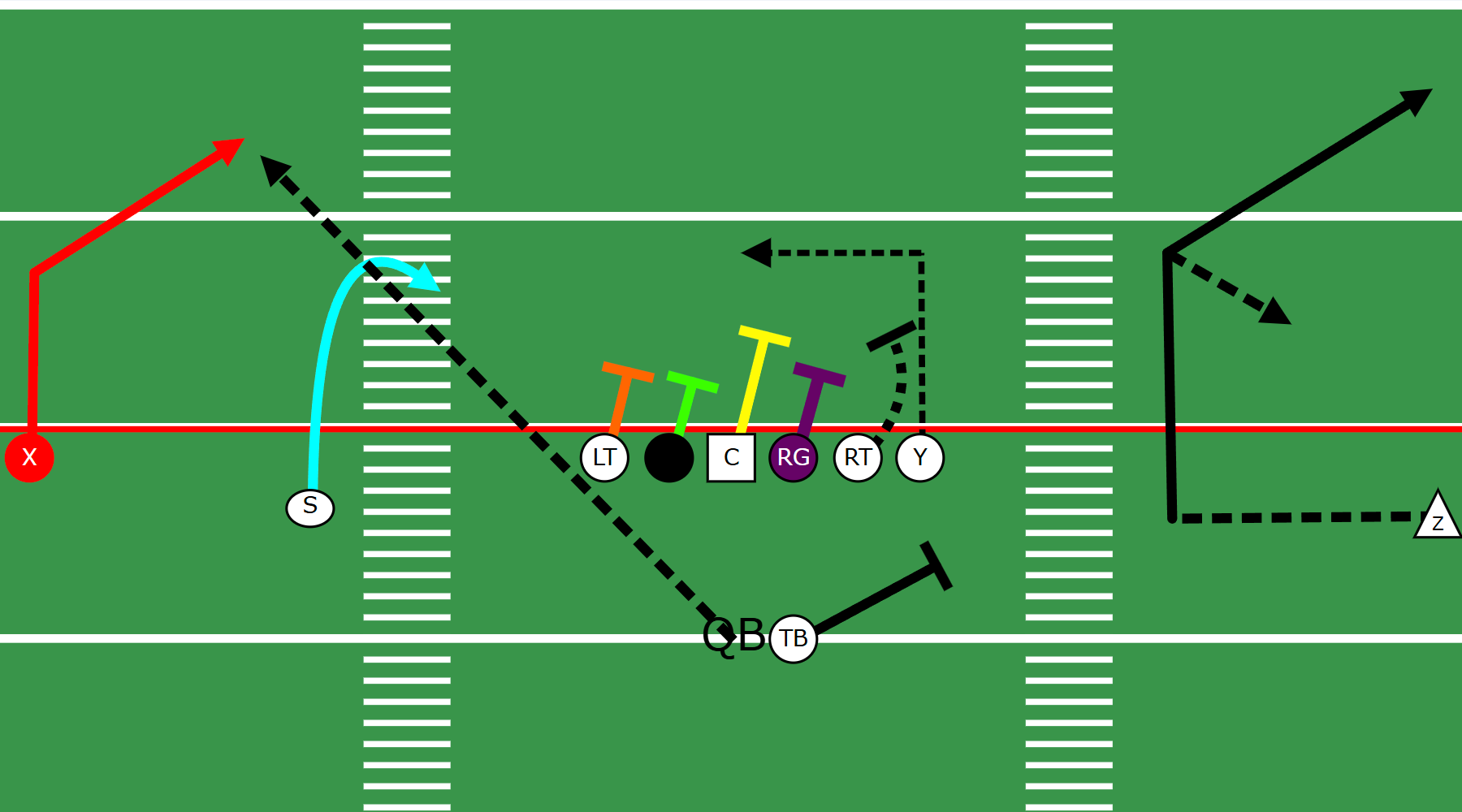
Customize more than routes, customize your players too.
- Just as easy as it is to customize your route drawings, you can also customize your players.
- You can change your players fill color, outline color and label color
- The default player shape is circle for offense and triangle for defense, but you can customize this as well.
- Changing a players fill color can be used to highlight an important player on a specific play or simply matching to your team colors.
Try our play designer software for FREE for 7 days
Explore More Features
Create any type of football playbook with a few clicks.
Our football play designer software is easy to use, and gives you complete control.
Download Your Playbooks for Printing
Download your playbook in PDF format for printing, generate player wristbands also.